By ShriprasannaPublished July 1, 2026Updated September 26, 2026
How to Humanize Google Gemini Text So It Reads Naturally (2026)
Most people don't sit down to "use Gemini." They're already writing an email or a doc, they hit Help me write, and Google's model fills in the rest. That convenience is exactly why Gemini output ends up somewhere it shouldn't — pasted straight into the document you were about to submit, unedited, because it never felt like "AI writing." It felt like autocomplete.
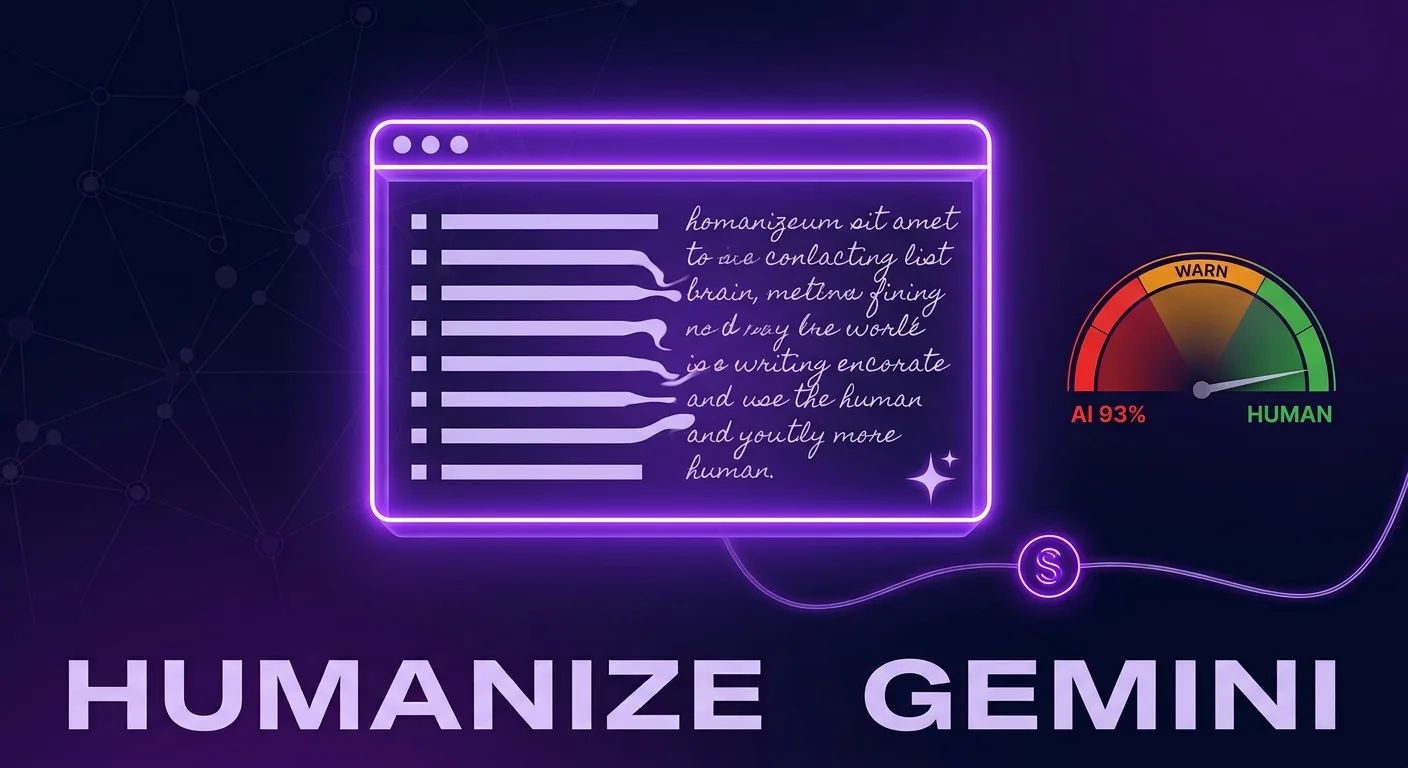
It reads clean. It also has a tell you can spot from orbit. Where GPT-5's fingerprint is its phrasing, Gemini's is its shape: it thinks in lists. Bullet it, bold the lead-in, balance every point, wrap it up. That structural regularity is the kind of evenness detectors score, and anyone who's seen a Gemini draft before will spot it too. Here's how to take it apart.
Gemini's list brain
Ask Gemini for anything longer than a sentence and watch what happens. It reaches for scaffolding:
- "Here are the key benefits/reasons/steps." The topic gets pre-sorted into a numbered or bulleted list before a single idea is actually developed.
- Bolded lead-ins. Every bullet opens with a bold phrase, then a colon, then a tidy explanation. Over and over.
- Relentless balance. "On one hand… on the other hand." It almost never commits, because committing is a small risk and the model is tuned against small risks.
- Padding. An introduction that restates the prompt, a conclusion that restates the introduction.
Put together, that's a paragraph structure so uniform it's easy to spot. Human writing is lumpy — we bury the important point in the middle of a paragraph, chase a tangent, forget to be balanced because we actually believe something. Gemini almost never does, and that evenness is the signal.
| Gemini's list brain | The human rewrite |
|---|---|
| A bulleted list of "5 benefits" | One paragraph arguing for the benefit that actually matters |
| Bold lead-in: explanation | A sentence that just makes the point |
| "On one hand / on the other hand" | A clear stance, then one honest caveat |
| An intro that restates the prompt | Open on a specific detail or claim |
The Workspace trap
Gemini's tie into Docs, Gmail, and Search is its best feature and its biggest liability. The output doesn't pass through a chat window you'd instinctively clean up — it lands inside the file you're submitting. Students draft essays in Docs. Employees draft reports in Docs. Plenty of schools and companies run those same Docs through Turnitin or Originality.ai.
So the path from "Help me write" to "flagged for AI" can be two clicks with no editing in between. Worth knowing, too: Google's own guidance doesn't punish AI-assisted content for being AI — it punishes content for being unhelpful and generic, which is exactly what unedited list-brain output tends to be. The convenience is the risk.
Taking the structure apart
If it's for a class, check the AI policy first; many allow AI for brainstorming but not for final text. Humanizing Gemini is mostly a demolition job on that scaffolding:
- Dissolve the lists. Turn "5 benefits" into flowing prose that spends its energy on the one or two points that matter and lets the rest go.
- Delete the bold lead-ins. If a point needs a bold label to land, it isn't written well enough yet.
- Pick a side. Replace the on-one-hand balance with a real claim and a single honest caveat.
- Cut the padding. Kill the prompt-restating intro and the summarizing conclusion.
Do that by hand on a short piece. For anything at volume, SupWriter's humanizer handles the structural rewrite automatically, turning the uniform, list-driven shape into natural prose while aiming to keep your facts and meaning intact. Read the result before you use it, and treat the built-in AI detector score as a pre-check from one model, not a preview of Turnitin or Originality.ai. You can try it on 300 words with the free humanizer.
Before and after
Gemini, raw: "There are several benefits to regular exercise. First, it improves cardiovascular health. Second, it enhances mental well-being by reducing stress. Finally, it promotes better sleep, making it an essential part of a healthy lifestyle."
Humanized: "Everyone already knows exercise is good for you — that was never the hard part. What actually keeps me doing it isn't my resting heart rate or a sleep score. It's that I'm a noticeably less irritating person to be around on the days I move. The cardiovascular stuff is a nice bonus I'll probably appreciate in thirty years."
Same subject, one real point. The rewrite throws out the numbered scaffolding, commits to a point, and lets the rhythm wander. That's the kind of difference detectors measure.
FAQ
Can Turnitin detect Google Gemini? Turnitin lists Gemini models, including Gemini 2.5 and Gemini 3 variants, among those its AI detector covers (Turnitin's AI detection FAQ), so assume raw Gemini output can be flagged, just like GPT-5 or Claude Fable 5 text. Turnitin doesn't publish per-model catch rates, and it says it also looks for AI text that has been paraphrased or run through humanizers (in English). Light paraphrasing isn't a fix, and no rewrite comes with a guarantee.
Does "Help me write" in Google Docs get flagged? Whether or not Google watermarks it, the text it produces carries the same AI patterns as any Gemini output, and if that Doc goes through an AI detector, it can be flagged. Edit it properly before you submit, and follow your course's AI rules.
Will Google rank my Gemini content lower? Not for being AI, as such. Google targets unhelpful, generic content — and the unedited, list-heavy default is a good way to land in that bucket. Here's Google's actual stance.
Does humanizing change the meaning? It shouldn't. A good humanizer aims to keep your facts and points and change only structure and phrasing. Still, read the result and check names, numbers and claims before you use it.
Gemini is great at filling in the blank. SupWriter helps what it wrote sound like a person wrote it. Humanize 300 words free: no credit card required.
Related Articles

Is Using an AI Humanizer Cheating? When to Disclose AI Assistance
What Is an AI Humanizer (and What It Is Not)
AI Words to Avoid in 2026: "Delve" Is Dead — Here's What Detectors Flag Now