
By ShriprasannaPublished September 14, 2026Updated September 27, 2026
Can Students See Their Turnitin AI Score? (No — Here's How to Check Before You Submit)
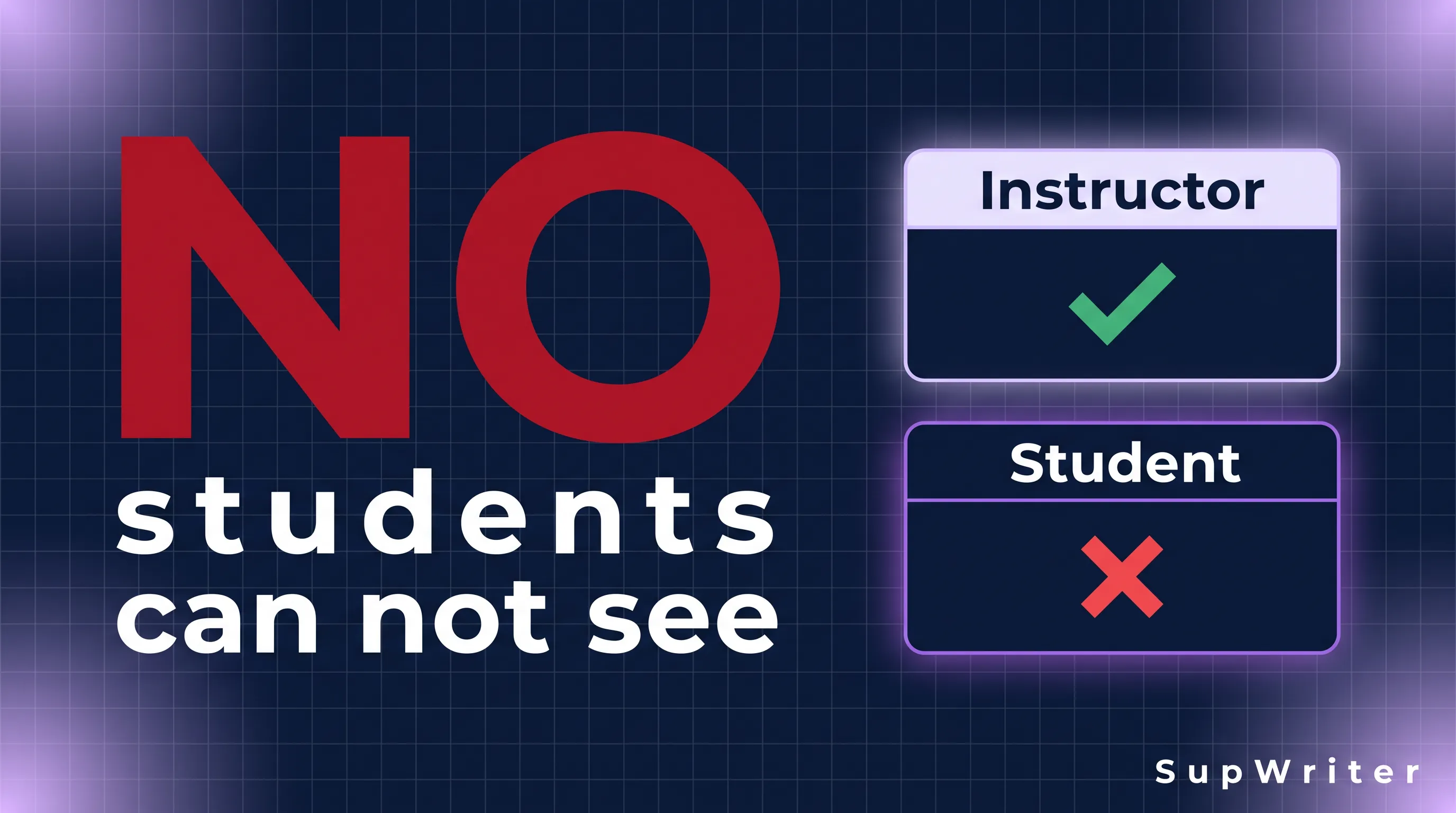
No. Students cannot see their Turnitin AI writing score. The AI report is instructor-only. An instructor can open it in the similarity interface and export it as a PDF; a student submitting through an LMS cannot. If you see a percentage after you upload, that is almost always the similarity score — text matching against Turnitin's databases — which instructors can choose to show you. The AI indicator is a different report, with different permissions, and it does not have a student-facing equivalent. The only way to preview how detectors read your prose before you submit is to check it somewhere that is not Turnitin.
That restriction survived every 2026 product update we can document: the 12 February English model change, the 16 July admin-download feature, the 4 August single-score redesign, and the 18 August Arabic model. None of those releases created a student view of the AI percentage.
What you can see versus what your instructor can see
Turnitin serves two products that share a login and confuse everyone.
| Report | What it measures | Can students see it? |
|---|---|---|
| Similarity / originality | Overlap with web pages, journals, student papers | Often yes — if the instructor enables student viewing |
| AI writing | Statistical classification of qualifying prose as AI-generated, paraphrased, or (in English) bypasser-modified | No. Instructor-only. PDF export for staff. |
The similarity score is the one that has been in student-facing LMS views for years: 18% red bar, matched sources, highlighted sentences that also appear in a Wikipedia article. Instructors control whether you get that view. Some courses hide it until after the due date. Some never show it. That setting has nothing to do with AI.
The AI writing report is not on that toggle. Turnitin has not shipped a "display AI score to students" control comparable to similarity. On 16 July 2026, administrators gained the ability to download AI Writing Reports from Manage Submissions. That is a staff bulk-export. It is not a student inbox.
After 4 August 2026 the instructor view is a single blue highlight and a single percentage that covers generated, paraphrased, and bypasser-modified text. The old purple "AI-paraphrased" color is gone on new reports. Students do not see that UI either. Full redesign notes: Turnitin AI Detection Update (Aug 2026). How the two scores differ: Turnitin Similarity Score vs AI Score.
If a classmate says "I got 12% on Turnitin," ask which report. Twelve percent similarity is a sourcing number. Twelve percent AI would display to an instructor as *% anyway (the 1–19% asterisk band), and you would not have seen it.
Why Turnitin keeps the AI score off the student view
Turnitin's public materials treat the AI indicator as a teaching-and-integrity signal for staff, not a grade the student is meant to iterate against. Three product constraints make that stance consistent, even if it is frustrating:
- The number is easy to misread. There is no official acceptable percentage. Institutions set policy. A student refreshing uploads to land under 20% would be gaming a display threshold, not following a Turnitin rule. We collected named policies — and the lack of an official cutoff — in What Percentage of AI Is Acceptable on Turnitin?.
- False positives are a live problem, especially for ESL writers. Stanford researchers found that seven GPT detectors misclassified 61% of TOEFL essays as AI-written on average (Liang et al., 2023). If students could see a scary percentage on every draft, you would get panic-editing loops on human writing. See AI detection and ESL students.
- The archive does not rescore. Old submissions keep the report generated at submit time. Letting students "check until it passes" on the same assignment would also collide with that design.
Whether you agree with the pedagogy is separate from the permission model. In 2026, the permission model is still: instructors and admins, not students.
What a student-visible percentage usually is
A few patterns show up in support tickets and Reddit threads. They are all similarity, or they are not Turnitin.
- The LMS originality window after submit: similarity. Color bands and source lists are the giveaway.
- A number in an email from your professor might be either report. Ask which one. If they mention highlighted "AI" sentences or a blue AI layer, they are looking at a screen you cannot open.
- A screenshot with a purple paraphrase layer is a pre-4-August 2026 AI report, sent by staff. Current reports are single-blue.
- GPTZero, Copyleaks, ZeroGPT, Originality.ai are not Turnitin. Pasting into those sites is a third-party check. They will not match Turnitin's number. GPTZero vs Turnitin and why detectors disagree cover that gap.
Do not assume Canvas, Moodle, or Blackboard "Turnitin" widgets added an AI percentage for students. Unless your institution built a custom mash-up, they did not.
How to check before you submit
Because Turnitin will not show you the AI indicator, a pre-submit check has to happen outside Turnitin. Treat every external detector as a different model with a different false-positive profile. The point is to see whether your prose is statistically bland in the way detectors notice, not to forecast Turnitin to the integer.
A practical sequence:
- Finish the assignment first. Checking a half-written draft wastes the 300-word English minimum Turnitin itself uses. Short fragments are noisy on every detector.
- Run a pre-check, and read it as one model's view. Our AI detector gives one AI score with sentence highlights. The twelve named labels in its results are a guide mapped from that single score, not live checks against Turnitin or GPTZero (how the score works). If you also paste into GPTZero or Originality.ai, expect them to disagree with each other and with Turnitin. That is normal, not a bug.
- Read sentence-level flags, not the headline. Document-level percentages hide the paragraph that is carrying the score — usually the literature-review glue, the abstract, or a methods paragraph written in template English.
- Separate sourcing from style. If the risk is copied language, that is similarity, and you fix it with citation and quotation. If the risk is machine rhythm, that is the AI indicator. Mixing those edits makes both reports worse.
- Keep the draft trail. Version history, outlines, and exported notes are what you will need if an instructor opens the AI report and asks. Our guide to proving your writing is human exists because the student-facing score does not.
If you used ChatGPT, Claude, or Gemini for brainstorming or a first pass, the course policy — not the detector — decides whether that is allowed. Our piece on whether Turnitin detects ChatGPT is about the instructor's tool, not a student preview.
Full disclosure: we build SupWriter. If you are rewriting English prose so it reads less like a language model, that is the product. We do not publish a pass rate against Turnitin or any other live detector, and no number we could publish would be a student Turnitin score, because students do not get one. Our methodology page says what we do and do not test.
The free humanizer is 300 lifetime words, no card. Basic is $9.99/month for 5,000 words, Pro $19.99 for 15,000, Ultra $39.99 for 30,000, annual roughly half (pricing). Malay has its own page at malay-humanize. Humanizer output is still English-relevant to Turnitin's bypasser layer, which launched 27 August 2025 (not 2026) and remains English-only. The August 2026 UI change folded that layer into the single instructor-facing percentage; it did not give students a dashboard. See bypasser detection.
What changed in 2026 — and what did not
Students keep asking whether a new Turnitin release "finally" shows the AI number. The 2026 list is easy to check against that hope:
- 12 Feb 2026 — English model update, "improve recall while maintaining low FPR" (help article). Instructor-facing accuracy claim. No student view.
- 5 May 2026 — Spanish model update (GPT-5 family, Gemini 2.5). Still staff-only AI.
- 12 May 2026 — Google Classroom add-on. Classroom workflow, not a student AI percentage.
- July 2026 (exact day unpublished) — FAQ language about consolidating an ensemble into a single model, still claiming <1% FPR. Language models remain separate. No student view.
- 16 Jul 2026 — Admins download AI Writing Reports from Manage Submissions. Staff, not students.
- 4 Aug 2026 — Single blue highlight; one % includes generated + paraphrased + bypasser-modified (Turnitin's redesign post). Instructors see a simpler report. Students still see nothing.
- 12 Aug 2026 — Clarity Writing Report timestamps. Process tooling.
- 18 Aug 2026 — Arabic AI detection. Separate model. Instructors of Arabic papers get a score; Arabic-submitting students do not. Arabic explainer.
- 26 Aug 2026 — Clarity mobile writing interface.
Also still true, and relevant to any "I'll just check on Turnitin": 300-word English minimum; prose only (not bullets, tables, or code); *% for 1–19%; no retroactive rescoring of old submissions. Re-uploading to see a number is a new submission, not a student preview of the old one.
Some universities have stopped using the indicator entirely — Curtin from 1 January 2026, Washington State (WSU) in February 2026, SUSS from 11 August, and NTU from 2027. On those campuses the question "can I see my AI score?" has a second answer: your instructor may not have one either. List: universities dropping AI detection.
If an instructor shows you the PDF
They can. The export exists. If they put the report on the desk during a meeting, you are looking at a staff document, not a permission you can reproduce later in the LMS.
Use that meeting for the substance, not the integer. Ask which passages are highlighted. After 4 August those passages are all one color, so "is this paraphrase or generation?" is a question the UI may no longer answer. Ask for the written policy — Turnitin has none for an acceptable %. Ask whether similarity matches are part of the concern. Bring drafts.
A 100% flag is still not an automatic outcome. In Newby v. Adelphi (28 January 2026) a New York court annulled a misconduct finding that followed a Turnitin "AI-generated score of 100%". A federal lawsuit against Yale over an AI accusation, Rignol v. Yale, is further evidence that process exists. Neither is a reason to skip the meeting.
UM's policy that detector output "should not be used as conclusive evidence" is a named example of how seriously some institutions take the gap between a staff-only score and a misconduct finding. India's UGC PhD bands (10–40% revise in six months; 40–60% barred a year; above 60% registration may be cancelled) are plagiarism-style thresholds applied to unacknowledged AI — not a student Turnitin AI readout. Source: Times of India.
Frequently Asked Questions
Can students see the Turnitin AI score in 2026?
No. The AI writing report remains instructor-only, including after the 4 August 2026 redesign and the 16 July admin download feature. Students do not get a toggle, an email, or an LMS widget with that percentage.
Why do I see a percentage right after I submit?
That is typically similarity (text matching), if your instructor enabled student viewing. It is not the AI indicator. Confirm by looking for matched sources. AI reports do not show a source list like a plagiarism match.
Can my instructor email me the AI report?
They can export a PDF and send it. That is a staff action, not a student permission in Turnitin. You still cannot reopen the live AI report from your assignment inbox.
If I resubmit, will I see the new AI score?
You will not see it. Your instructor might. Resubmitting is also a new scoring event — Turnitin does not retroactively rescore the old file, but a new upload can receive a new number because models changed in February and (with an unpublished exact day) in July 2026.
How do I check AI detection before submitting?
Use a detector outside Turnitin. SupWriter's AI detector is ours: one scoring model with sentence highlights, plus twelve guide labels mapped from that one score. It will not equal Turnitin, and it does not query Turnitin or GPTZero. What it shows is which sentences read as most machine-like, so you know where to revise. For tool comparisons aimed at students: best AI humanizer for students 2026.
Does this apply to Arabic or Spanish papers?
Yes on permissions: AI scores are still instructor-only. The underlying model differs (Spanish updated 5 May 2026; Arabic launched 18 August 2026). Bypasser detection remains English-only.
You cannot open Turnitin's AI report from the student view — scan the text yourself before you submit, then decide whether it needs a pass through the humanizer or the 300-word free tool.
Related Articles
Can Teachers See If You Use ChatGPT? The 7 Ways They Actually Find Out
Best AI Humanizer for Malaysian Students (2026): UM, USM, UKM, UTM, UiTM Turnitin Rules and the MOHE Declaration
Best AI Humanizers for Students in 2026