By ShriprasannaPublished July 30, 2026Updated September 26, 2026
WriteHuman Review 2026: Features, Pricing, Verdict
WriteHuman has been around since the first wave of humanizer tools in 2023, which in this market makes it an elder statesman. It's cheap at the entry level, it's freemium, and its plans are clearly built around short-form writing.
We've referenced WriteHuman in our comparison posts for a while, but we'd never given it a proper stand-alone review. So we went through writehuman.ai properly: the product, the free plan, and every line of the pricing page (checked September 2026) — including the parts they'd probably rather you skimmed.
Here's what we found. No affiliate links, and yes, we make a competing product, so check everything here against your own drafts.
Quick Verdict
Overall: 3 / 5
| Category | Rating | Note |
|---|---|---|
| Features | 3.5 / 5 | Humanizer, AI detector, image detector, Chrome extension, MCP from Pro, and a separate REST API. A lot for the price. |
| Detection claims | Not rated | Neither WriteHuman nor we have published independent, current detector results you can audit. Check your own drafts. |
| Pricing and value | 3 / 5 | The headline price is low. The per-request word caps are where the real cost lives. |
Bottom line: WriteHuman is a competent budget humanizer with a specific sweet spot — short, casual content that isn't going through institutional detection. Push it toward long documents and the per-request caps start costing you time the price tag doesn't warn you about.
What Is WriteHuman?
WriteHuman is an AI humanizer at writehuman.ai. You paste in text produced by ChatGPT, Claude, or Gemini, and it rewrites the passage to read as human-written.
The product has grown past a single text box. As of September 2026 its pricing page lists:
- The humanizer, with an "Enhanced" model on paid plans and basic quality on the free plan
- A built-in AI detector, included on every plan, so you can check output without leaving the tab
- An image detector for AI-generated images, which is unusual in this category
- A Chrome extension for humanizing and fixing writing "in any tab"
- MCP access on Pro and Ultra, plus a separately listed REST API to humanize and detect
The plan structure tells you who it's for. Paid plans are sold in "requests" with modest per-request caps rather than as one large word bank, which suits blog intros, newsletters and social posts far better than term papers.
How WriteHuman Works
Mechanically, it's doing what every serious humanizer does: rewriting text so its statistical fingerprint stops looking machine-generated. Detectors mostly measure perplexity (how predictable each word is) and burstiness (how much sentence length and complexity vary). AI models produce text that's low-perplexity and low-burstiness. Humans don't.
We cover the mechanics properly in our AI humanizer vs paraphraser breakdown, and the distinction matters here: a real humanizer restructures sentences, varies rhythm, and breaks up the uniform paragraph blocks that give AI text away, rather than just swapping synonyms.
The model tier is the difference that matters in WriteHuman's lineup:
- Free plan: basic humanization quality.
- Paid plans: access to the Enhanced model, plus multiple output variations to choose from.
That matters more than it sounds. The free plan does not include the Enhanced model, so whatever you conclude from a free trial is not what you'd get after paying.
Here's the kind of rewrite a good humanizer should produce. This pair is our own illustration of the target, not a WriteHuman output we are presenting as a test:
Before (typical AI output): Effective content marketing requires a comprehensive understanding of your target audience. By leveraging data-driven insights, businesses can optimize their messaging to maximize engagement and drive meaningful conversions.
After (the kind of rewrite to look for): Good content marketing starts with actually knowing who you're writing for. Once you've got real data on your audience, you can shape the message around what they respond to — and that's usually where the conversions come from.
The corporate padding is gone, the rhythm varies, and it reads like a person wrote it. Judge any humanizer, WriteHuman included, by whether it gets your own drafts to that point without changing what they say.
Detection: What We Can and Can't Tell You
We have not run WriteHuman through live Turnitin, GPTZero, Originality.ai or Copyleaks tests, and we're not going to invent numbers for it. Our own methodology page explains what a credible detector test needs and what we do and don't publish.
What we can tell you is how to check it yourself, and why that matters more than any vendor's percentage:
- Detectors disagree. Each one uses its own model and thresholds, so a pass on one tells you little about another. Our explainer on why AI detectors give different results walks through why.
- Turnitin is the one students can't test. Its AI report is visible to instructors, not students, needs at least 300 words of prose, and shows scores from 1% to 19% only as an asterisk (Turnitin's AI detection FAQ). Turnitin also says its detector covers AI text modified by paraphrasing or "bypassing" tools, for English submissions.
- Detectors change. Turnitin shipped English model updates in October 2025 and February 2026 (Turnitin's release notes), so a result from last year is not a result for this term.
The practical routine: run the exact text you will submit through a detector before it goes anywhere. WriteHuman's built-in checker makes that convenient, and so does our AI detector, which is a pre-check based on one scoring model rather than the tool your school licenses. Keep your drafts and screenshots, and treat any single score as information, not a verdict.
Where It Holds Up
Short, conversational content is where the plan structure fits: blog intros, newsletter copy, LinkedIn posts, product descriptions. Each of those fits inside one 600-word request on Basic, so you get the whole piece rewritten in context, with two variations to choose from. For a blogger who wants drafts to stop sounding like a chatbot, that's a reasonable deal.
Where It Breaks
Long and technical documents are where the cracks show. A 3,000-word paper on Basic is five separate requests, each rewritten without knowledge of the others, so transitions and terminology can drift between chunks. Citations and technical terms deserve a line-by-line check after any rewrite, from any tool; a detector won't catch a mangled reference, but a marker will.
Languages are the other unknown. The pricing page doesn't list supported languages, so test a paragraph in your language before paying if you don't write in English.
WriteHuman Pricing in 2026
WriteHuman is freemium with three paid tiers. Monthly and annual prices differ substantially, so read the column headers carefully — the $12 figure you see quoted around the web is the annual rate. Prices below are from WriteHuman's pricing page, checked September 2026.
| Plan | Monthly | Annual (per mo) | Requests/mo | Words per request |
|---|---|---|---|---|
| Free | $0 | $0 | 3 | 250 |
| Basic | $20 | $12 ($144/yr) | 80 | 600 |
| Pro | $29 | $19 ($228/yr) | 200 | 1,200 |
| Ultra | $59 | $39 ($468/yr) | Unlimited | 3,000 |
Paid tiers add the Enhanced model and multiple output variations (2 on Basic, 3 on Pro, 5 on Ultra). MCP access starts on Pro, with Ultra's capped at 1,000 uses a month, and the REST API is listed separately.
The per-request word cap is the thing to understand before you subscribe. It isn't a monthly bank you draw down — it's a hard ceiling on every single submission. On Basic, a 1,800-word blog post has to be split into three separate 600-word chunks, each humanized independently. That burns three of your 80 requests, and because each chunk is rewritten without knowledge of the others, the transitions between them often need manual repair.
On Pro you get 1,200 words per request, which covers most single blog posts. On Ultra you get 3,000, which covers almost everything. So the practical entry point for a working writer is Pro at $19/month annually or $29 month-to-month — not the $12 headline.
On paper the arithmetic flatters WriteHuman. Basic at $12 annually buys 80 requests of up to 600 words, or as much as 48,000 words a month, which is cheap by any measure in this category. The catch is that those words only count if you can use them in the shape they come in. A request is spent whether you fill it or not, so a 400-word section costs the same as a 600-word one, and every long document has to be cut to fit the ceiling and stitched back together afterwards — work that doesn't show up in the price. Re-runs cost you too: every retry on a chunk burns another request.
For comparison, SupWriter's Basic plan is $9.99 a month (or $4.99 billed annually) for 5,000 words with a 500-word request cap, and Pro is $19.99 (or $9.99 annually) for 15,000 words at 2,000 words per request. WriteHuman gives you more nominal volume at every price point; SupWriter's allowance is counted in words, so a short section only uses the words it contains. Our full pricing comparison lines up per-word costs across more tools.
The free plan deserves a fair mention: three requests a month at 250 words each is enough to see how the tool writes, though not on the Enhanced model, and it renews monthly. That is more generous over time than our own free humanizer, which gives you 300 words in total after you sign in, with no credit card required.
Pros and Cons
What we liked:
- An AI detector on every plan, including free, so checking sits next to rewriting
- Image detection is a thoughtful extra, rare outside the big all-in-one suites
- A Chrome extension for humanizing in place on any page
- MCP access from Pro, plus a separately listed REST API
- A free plan that renews every month rather than a one-time trial
What we didn't:
- No independent, current detector results to point to, from WriteHuman or anyone else we could verify
- Per-request word caps force chunking and manual re-stitching on long content
- The Enhanced model is paywalled, so the free plan misrepresents the paid product
- The monthly price is roughly 50–67% higher than the annual rate, depending on the tier
- The pricing page doesn't list supported languages
Who WriteHuman Is For
Good fit: Bloggers and SEO writers producing casual, short-to-medium English content that isn't being scanned by institutional detectors. If you're publishing to your own site and mainly want text that doesn't read like a chatbot wrote it, WriteHuman does that job at a reasonable price.
Bad fit: Anyone who needs long documents handled in one pass on a budget plan, and anyone who needs a guaranteed result from Turnitin or Originality.ai — no humanizer can promise that, including ours. Students should also check their course's AI policy before using any rewriting tool on assessed work.
Alternatives Worth Testing
Prices below are from each vendor's pricing page, checked September 2026.
SupWriter — Word-based allowances instead of requests: $9.99/month for 5,000 words (500 per request) or $19.99 for 15,000 words (2,000 per request), with annual billing at half those list prices. The built-in detector gives one score plus sentence highlights, and you get 300 words free with no card. See the head-to-head comparison for more.
Undetectable AI — $9.99/month for 10,000 words on Starter ($5.00/month billed annually), with a 250-word trial.
Phrasly — $10.99/month billed annually for unlimited humanizing, up to 5,000 words per run, and a $2 three-day pass to try it.
NaturalWrite — $9.99/month billed annually for 15,000 words on Pro, or $4.99 for 5,000 on Basic.
Our ranked humanizer guide covers the wider field if you want to see where everything else lands.
The Verdict
Rating: 3/5.
WriteHuman is a well-packaged product with honest pricing tables and a sensible feature set. The detector on every plan, the image detector and the Chrome extension show a team that actually uses its own product. For a blogger cleaning up AI drafts before publishing, it's a defensible $19/month on the Pro annual plan.
But nobody — WriteHuman included — publishes current, independent detector results you can audit, and the detectors keep changing. The per-request word caps compound that by making long documents genuinely annoying to process.
Buy it if you write short blog posts and want them to sound human. Look elsewhere if you need long documents handled in one pass, and check any tool's output yourself before something rides on it.
Test WriteHuman's output against ours before you subscribe — SupWriter's humanizer gives you 300 words free, no credit card required.
Make an AI-assisted draft sound like you
Rewrite stiff, AI-sounding passages in a natural voice.
Free account, no card · 300 free words
Related Articles
How to Cancel Undetectable AI (Email Template, Pause Option, and the "75% Human" Refund Rule)
PaperBleach AI Review 2026: Features, Pricing, Verdict
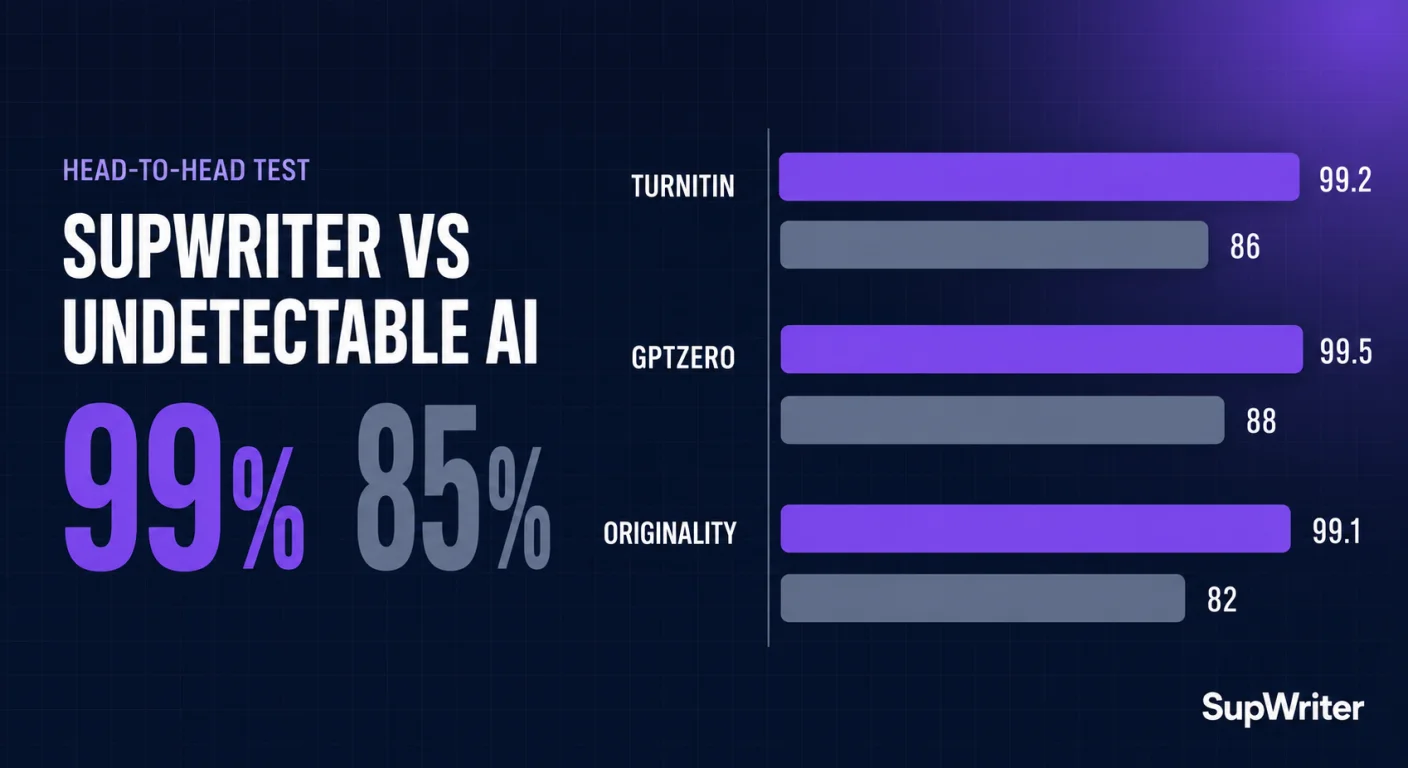
SupWriter vs Undetectable AI: Pricing and Features (2026)