By ShriprasannaPublished September 14, 2026Updated September 26, 2026
How to Cancel Undetectable AI (Email Template, Pause Option, and the "75% Human" Refund Rule)
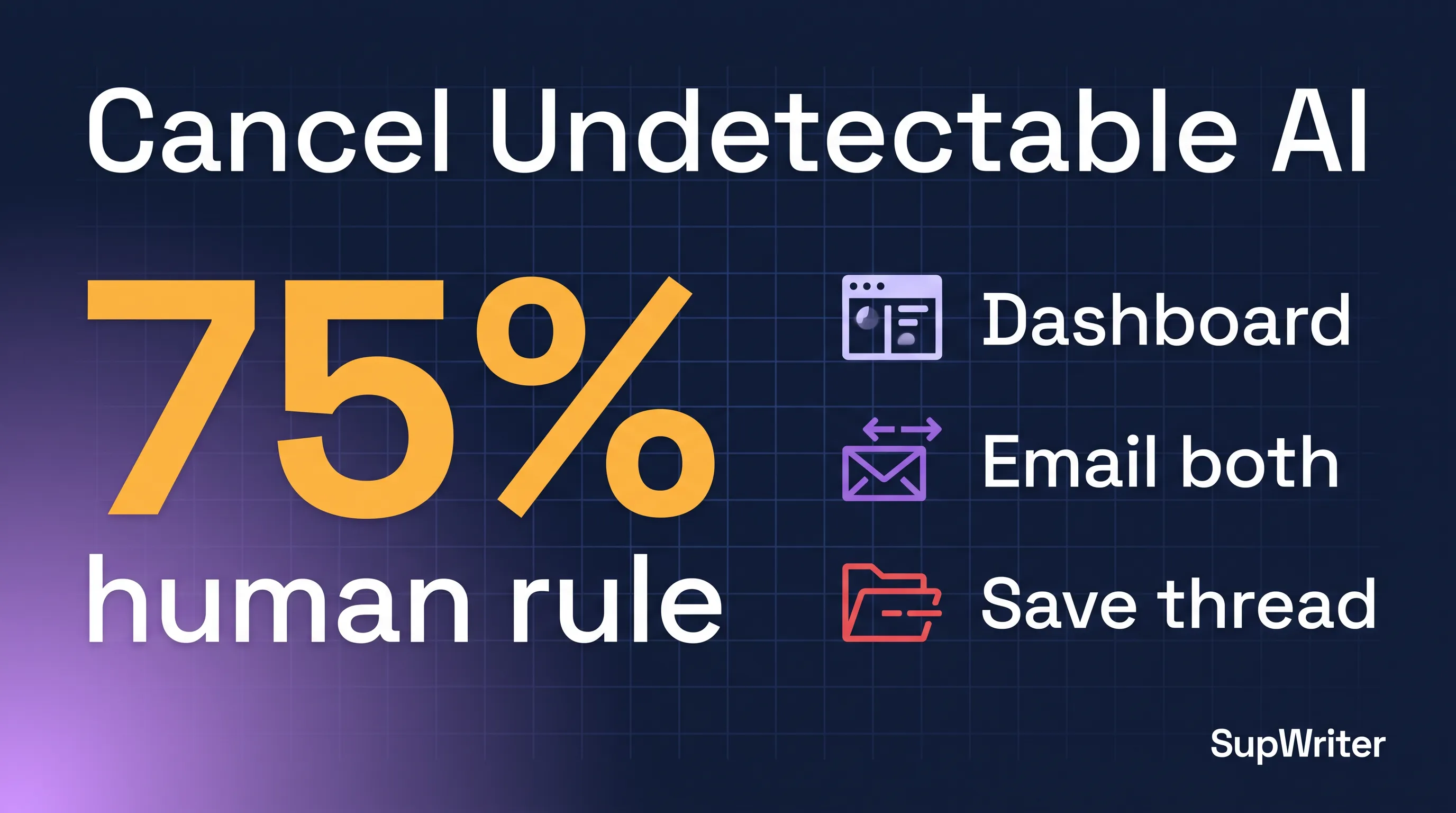
You cancel Undetectable AI by stopping the next charge, not by deleting the app. California and New York residents can cancel in the account dashboard, according to §6.4 of the Terms (fetched 12 September 2026, re-checked 26 September). Everyone else is told to email. The help article (updated 25 September 2026) says write to contact@undetectable.ai with your account email, full name, last four card digits, and subscription details. Terms §6.3 names support@undetectable.ai instead. Check the dashboard first, then email both addresses and keep the thread. Remaining premium credits expire when you cancel. We build SupWriter; this is the cancellation walkthrough.
Why People Search This
They search it because the cancel path is split across a help article, a Terms page, and an in-app dashboard — and those three sources do not say the same thing.
We fetched the subscription cancellation help article and the Terms on 12 September 2026 and re-checked both on 26 September. The help article, now marked as updated 25 September 2026, still tells every subscriber to email contact@undetectable.ai. It never mentions a dashboard or California or New York. The Terms do. Section 6.3 also names a different inbox. We are reporting the conflict, not resolving it for them.
The product is not imaginary, and plenty of customers are happy: half of its Trustpilot reviews are five stars. The live friction is billing. On 26 September 2026 its Trustpilot profile showed 3.5 / 5 from 978 reviews, with 41% at one star. Longer write-up: Undetectable AI review. We compete with them. We will still quote their Terms as written.
Step 1: Check the Dashboard First (Especially California and New York)
Do this before you write a single email.
- Sign in at undetectable.ai with the email on the subscription.
- Open account settings. Look for Subscription, Billing, or Plan.
- If you see Cancel subscription or Cancel plan, use it.
Terms §6.4, as we read it on 12 September 2026, makes the dashboard the primary cancel method for California and New York residents, and says that path is designed to be at least as easy as signup. Email may be supplemental for those states, not a substitute.
If you are not in California or New York, still look. A button that is "not the official path" in the Terms can still generate a confirmation screen worth screenshotting.
If you subscribed through the Apple App Store or Google Play, cancel in that store. The website cannot kill an App Store or Play Billing renewal. Apple: Settings → [your name] → Subscriptions. Google: Play Store → Payments & subscriptions → Subscriptions. Then still email Undetectable so both sides match.
Step 2: Email — And Report the Address Conflict
The help article tells everyone to email contact@undetectable.ai and to include the account email, full name, last four digits of the card on file, and subscription details (plan, and the start date if you have it).
The plain-English summary at the top of §6 only says that users outside California and New York cancel by email; it does not name an inbox. The general contact address elsewhere in the Terms is contact@undetectable.ai.
Section 6.3 of those same Terms, for non-CA/NY users, names support@undetectable.ai. It also says the message must come from the account email, and that other channels — forms, social, phone, chargebacks, verbal requests — do not constitute a valid cancellation.
We are not going to pick a winner between their help center and their lawyers. Send the same request to both addresses, from the account email, with the fields they asked for. Keep the thread. Do not treat a chatbot, a social reply, or a contact form as the cancel.
Remaining premium credits expire when you cancel. Use them first if you still want them.
Ready-to-send cancel email
To: contact@undetectable.ai; support@undetectable.ai
Subject: Cancellation request — Undetectable AI subscription

Hello,

Please cancel my Undetectable AI subscription under your Terms (section 6), so that no further charges are made after the current period.

Account email: [the email on the account]
Full name: [legal name on the account]
Last four digits of the card on file: [xxxx]
Subscription details: [monthly / annual, word tier if known, approximate start date]

Please confirm in writing:
1. that the subscription is cancelled
2. the date access ends
3. that no further charges will be submitted to my card

I understand remaining premium credits expire on cancellation. I [have already used / am choosing to forfeit] any unused words.

Thank you,
[Your name]
Send it from the account email. If that inbox is dead, say so and attach a billing receipt.
After you send it: screenshot the sent message and any auto-reply; if nothing arrives in a few business days, reply-all on the same thread; note the date access ends. Cancellation, per the §6 summary, stops future charges. It does not refund prior billing periods unless the law requires it.
The Pause Option
The same help article describes a pause. Email contact@undetectable.ai, say you want to pause, and say for how long. Their wording: they can "temporarily suspend your premium subscription without getting charged." The Terms page we fetched does not spell pause out that way. Treat it as a support courtesy. Get the end date in writing.
Pause variant
To: contact@undetectable.ai; support@undetectable.ai
Subject: Request to pause my Undetectable AI subscription

Hello,

Please pause my premium subscription rather than cancelling it.

Account email: [the email on the account]
Full name: [legal name]
Last four digits of the card on file: [xxxx]
Subscription details: [plan / start date if known]
Pause duration: [e.g. 60 days, or until 15 November 2026]

Please confirm in writing that I will not be charged during the pause, and the date billing resumes.

Thank you,
[Your name]
If they cannot pause, ask them to say so in the same thread, then send the cancel template.
The "75% Human" Refund Rule
People mix this up with a money-back guarantee. It is not one.
Terms §6.1, as we read it on 12 September 2026 and again on 26 September: if you cancel, you immediately lose remaining words. A credit refund is available only if a submission "provably flags as less than 75% human on a reputable AI detector." Requests have to land within 30 days.
Section 27 repeats the bar: "Refunds will not be provided unless required by law. Refund of credits is only available if a submission provably flags as less than 75% human on a reputable AI detector. Refund of credit or payment requests must be made within 30 days of incident."
It is a credit refund, not an automatic refund of the monthly or annual charge. "Reputable AI detector" is their phrase — they do not name Turnitin, GPTZero, or Originality.ai in the clause we fetched. Save the detector report, the date, and the exact text you submitted. Thirty days from the incident: a flag you notice in week six is late under their rule. Prior billing periods are not refunded on cancel unless the law requires it. We are not your lawyer. Attach the detector export to the same email thread. Do not only say "it got flagged."
Credits Expire on Cancel — Use Them First
The help article and §6.1 agree: remaining premium credits vanish when you cancel. If you still have a draft you wanted to run, run it first. Then cancel. Their pricing page advertises non-expiring credits only on the custom Business plan, so do not count on unused words carrying over on the standard plans. Cancelling does not convert leftover credits into cash.
What If Charges Continue
This is practical process, not legal advice.
1. Reply on the same email thread. Attach the original cancel request, the confirmation if you have one, the charge date, and the amount. Ask them to reverse the post-cancel charge and confirm the subscription is closed.
2. Check the store. If Apple or Google is the merchant on the statement, the dispute path is the store, not only Undetectable's inbox.
3. Talk to the card issuer. If charges continue after a written cancel, most issuers will take a billing dispute. Bring the email thread, the dashboard screenshot, and the statement line. A chargeback is a last resort. Their own §6.3 says a chargeback is not a valid cancellation — which is why you email first, then involve the bank if the charges do not stop.
4. Keep the paper trail. Save PDFs of emails, not only phone screenshots. Note dates. Same advice as our JustDone cancel guide. We are not going to tell you a chargeback will succeed. That is a fact question for your issuer.
Why People Cancel
Product. Undetectable AI is a competent humanizer, but no humanizer can promise a result on a particular detector, and the free trial is only 250 words total (per its pricing page), so many people only see how it handles their own work after paying. If output they paid for gets flagged, the "75% human" credit rule above is the documented remedy. People who cancel before a Turnitin-heavy semester are making a risk calculation. See what percentage of AI is acceptable on Turnitin.
Billing. On 26 September 2026 the claimed undetectable.ai profile on Trustpilot showed 3.5 / 5 from 978 reviews. Its AI-generated summary says free trials can turn into unexpected charges, including full annual plans billed right after a trial, and that some reviewers struggled to manage their accounts and cancel payments. The same summary praises support for fast, professional replies. The BBB complaints page the same day showed 41 complaints in the last three years, 27 closed in the last 12 months, and 13 tagged Billing Issues. That is the contested part.
What to Switch To
Undetectable pricing below is from their pricing page, checked 26 September 2026. SupWriter figures are list prices from our pricing page; student, regional and promo discounts exist on both sides.
| Undetectable AI (Sept 2026) | SupWriter (current) | |
|---|---|---|
| Entry monthly | $9.99 / 10,000 words | Basic $9.99 / 5,000 words |
| Mid monthly | $19 / 20,000 words | Pro $19.99 / 15,000 words |
| Higher monthly | $31 / 35,000; $42.50 / 50,000 | Ultra $39.99 / 30,000 words |
| Annual billing | Starter $5.00/mo ($60/yr); Professional $9.50/mo | Basic $4.99/mo; Pro $9.99/mo; Ultra $19.99/mo |
| Free evaluation | 250 words total | 300 words, no credit card (free account needed) |
| Cancel path | dashboard for CA/NY; email for others; inbox conflict | Manage subscription in account settings |
Their $9.99 tier buys twice the words of our Basic. We are not going to hide that. Annual Undetectable is competitive if you will use the suite for a year. The case for trying SupWriter is narrower: 300 free words with no card, a built-in AI detector for pre-checking drafts (one scoring model, not Turnitin), 50+ languages including a dedicated Malay humanizer, and a cancel path that lives in your account settings instead of being split across contact@ and support@. Test both on your own drafts before you commit. Head-to-head: SupWriter vs Undetectable AI. Dedicated page: Undetectable AI alternative.
How to Avoid Subscription Traps
Prefer a free tier that does not take a card. A trial that asks for billing details is a different object from free words with no card. We run the second model on the free humanizer: 300 words, no credit card, just a free account.
Search "[tool] cancel" before you subscribe. If the help article and the Terms disagree on the inbox, that is a data point.
If you must use a trial that takes a card, use a virtual card with a hard cap and set a calendar reminder for the day before renewal.
Screenshot the pricing page on the day you subscribe. The Trustpilot themes above are about trials turning into larger charges than people expected.
If you are in California or New York, look for the in-account cancel first. That is their own §6.4.
Frequently Asked Questions
Can I cancel Undetectable AI from inside my account?
If you are a California or New York resident, Terms §6.4 says yes — dashboard cancellation in account settings is the primary method. The help article we fetched does not mention that path. Everyone else should still look for the button, then email both inboxes.
Do I email contact@ or support@?
Both. The help article uses contact@undetectable.ai, which is also the general contact address in the Terms. Section 6.3 uses support@undetectable.ai and says other channels do not count. We checked both pages on 12 and 26 September 2026. Send the same letter to both, from the account email.
Will I get a refund when I cancel?
Not for the current or past billing period, unless the law requires it. Unused premium credits expire on cancel. A credit refund exists only if a submission "provably flags as less than 75% human on a reputable AI detector," requested within 30 days (§6.1 and §27).
Can I pause instead of cancelling?
The help article says yes: email contact@undetectable.ai, say you want to pause, and say for how long. Get the resume date in writing. The Terms page we fetched does not define pause the way the help article does.
What if I subscribed through Apple or Google?
Cancel in the App Store or Google Play subscription settings. Then email both Undetectable inboxes. A website cancel will not stop a store-billed renewal.
Is Undetectable AI a scam, and is that why I should cancel?
No. We will not use that word for them. It is a real company selling a working humanizer. People cancel because of the inbox conflict, vanishing credits, and Trustpilot / BBB billing threads. Those are reasons to leave carefully, not proof of fraud. Longer version: Undetectable AI review.
Done cancelling? Try SupWriter — 300 words free, no credit card.
Related Articles
PaperBleach AI Review 2026: Features, Pricing, Verdict
SupWriter vs Undetectable AI: Pricing and Features (2026)
Undetectable AI Review 2026: Features, Pricing, Verdict